Crew
Your crew follows you live.
Crew gives your ground crew the balloon's position, your intentions and a channel to talk.
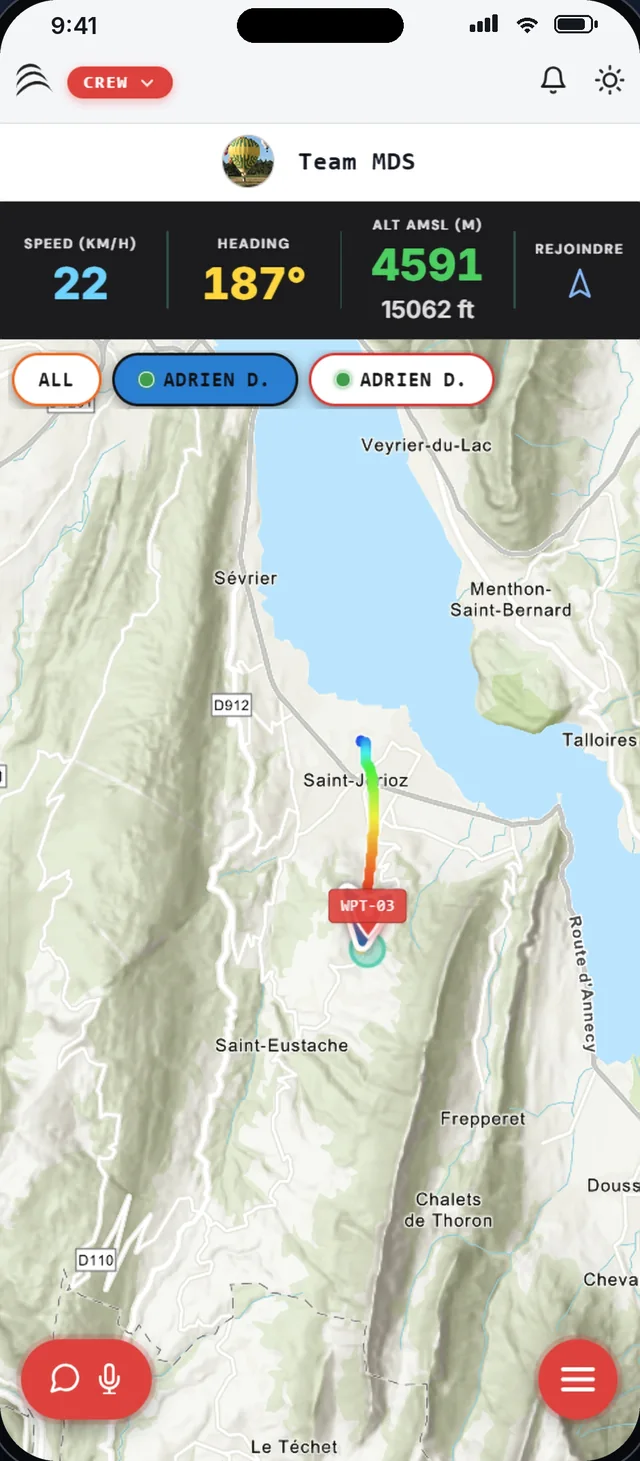
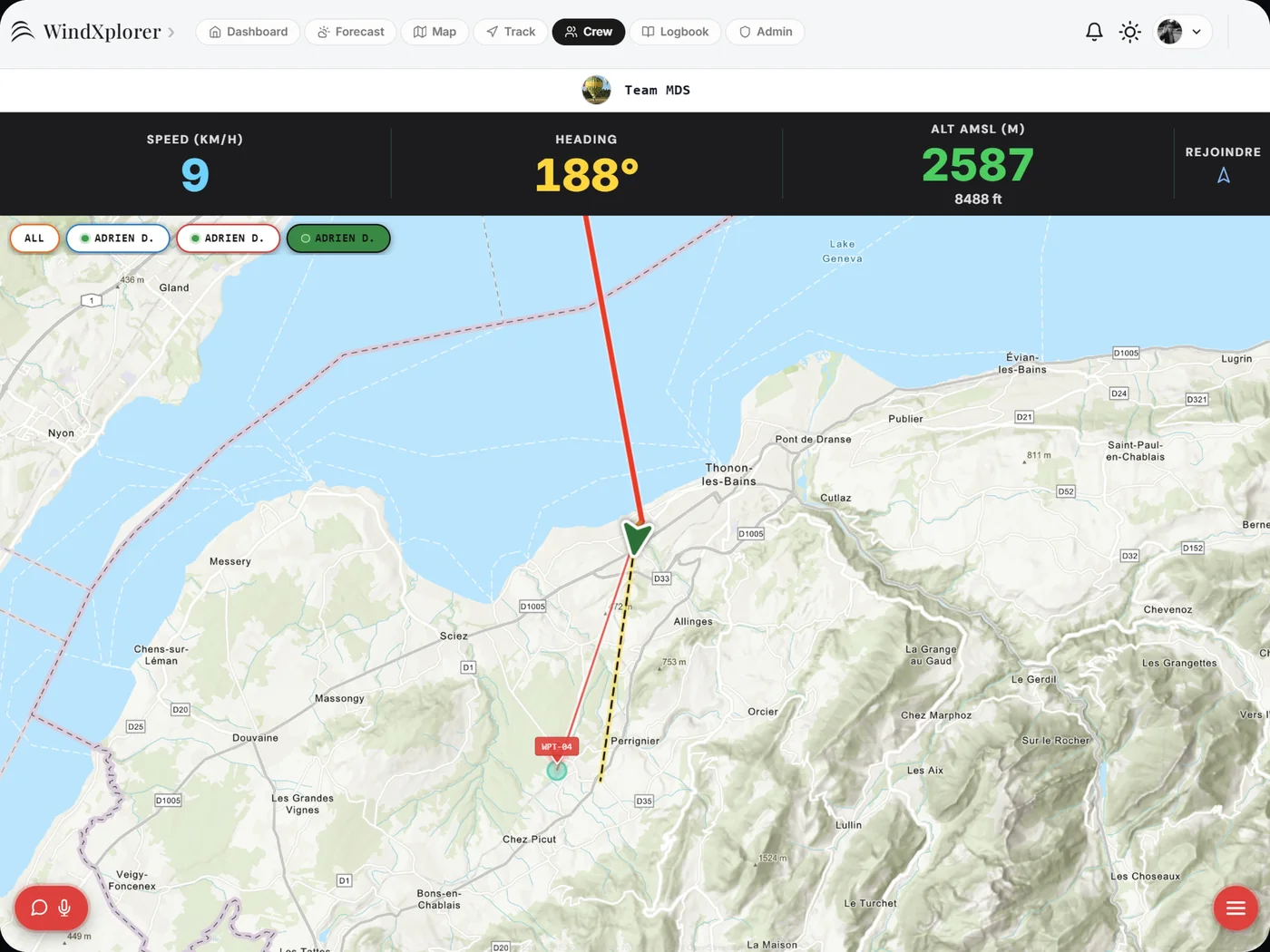
The balloon on the map, in real time.
The ground crew sees the balloon's track, speed, heading and altitude. One button guides them to its position.
- Track coloured by altitude
- The pilot's target visible to the crew
- A Join button to head for the balloon
- Several balloons followed within the same team
AirVoice: talk when VHF no longer gets through.
AirVoice carries voice over the mobile network, push-to-talk, between the basket and the chase vehicle. No frequency to set, no range to watch.
- Press to talk, like a radio
- Works wherever the phone has signal
- Text messaging as a complement
A link for those who stay on the ground.
Share a public link: family, passengers and organisers follow the flight without creating an account.
- Live map in the browser
- Nothing to install

All of Crew, in detail
- TeamsCreate your team and invite your crew members.
- GOTO intentionsThe target chosen in flight shows up on the crew's screen.
- Altitude and speedAltitude in metres and feet, ground speed, heading.
- On every screenThe same view on iPhone, iPad, Android and the web.
- Crew to see, AirVoice to talkTwo separate tools, designed for the ground crew.
- After landingThe flight joins the Logbook with its crew members.
Free during the beta, no credit card
Ready for take-off?
Join the pilots who made WindXplorer their copilot.